Managing Organization Addresses

Managing Organization Addresses
Use this screen to add, edit, or remove address records associated with your organization. These addresses may be used for shipping, billing, and other operational purposes throughout the platform.
Access
- Navigate to My Org from the top navigation bar.
- Select Addresses from the My Organization screen.
The Editing addresses screen will display all existing addresses for the organization.
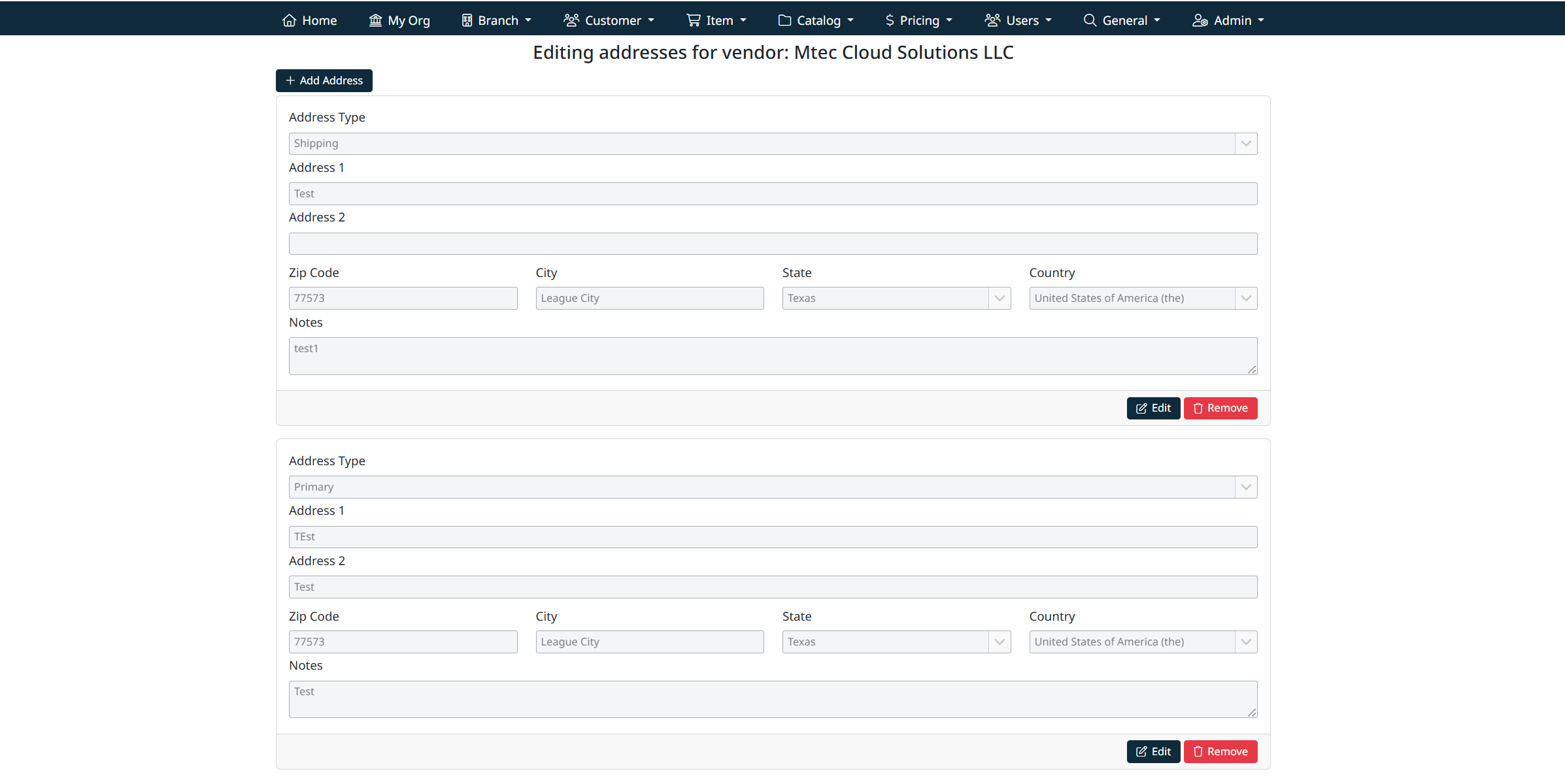
Adding a New Address
To create a new address record:
- Select + Add Address.
- Complete the required address fields:
- Address Type (e.g. Primary, Shipping, Billing)
- Address 1
- Address 2 (optional)
- Zip Code
- City
- State
- Country
- Notes (optional internal reference)
- Select Save to create the address.
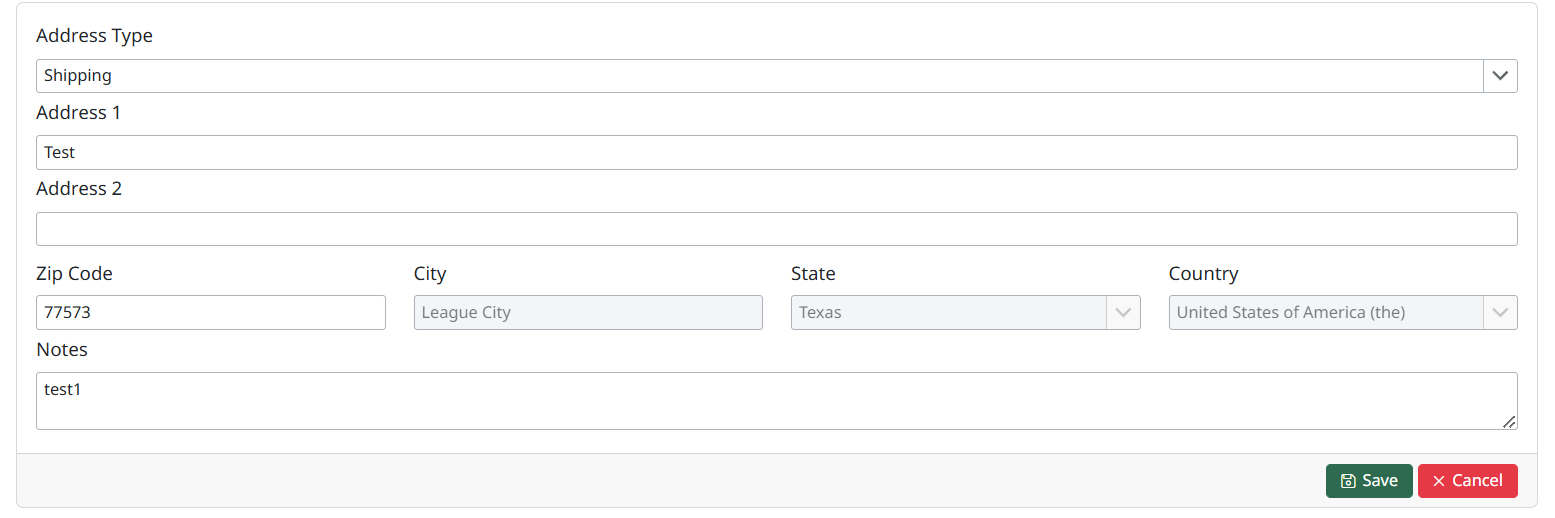
The new address will appear in the address list immediately.
Editing an Existing Address
Each address is displayed in its own panel.
To edit an address:
- Locate the address you wish to update.
- Select Edit.
- Modify the required fields.
- Select Save to apply your changes.
Changes are saved instantly and reflected across the system where the address is used.
Removing an Address
To remove an address:
- Locate the address to be deleted.
- Select Remove.
- Confirm the removal when prompted.
Removing an address may impact workflows that rely on that address (such as shipping or billing). Ensure the address is no longer required before removing it.
Address Types
The Address Type field determines how the address is used within the application. Common types include:
- Primary
- Shipping
- Billing
Available address types are managed under General Management →Manage Address Types.
Best Practices
- Ensure at least one Primary address is maintained for the organization.
- Keep address information accurate to avoid issues with shipping, billing, and EDI transactions.
- Use the Notes field for internal clarification (e.g. warehouse location, internal codes).
Created with the Personal Edition of HelpNDoc: Easy Qt Help documentation editor