System Reference Setup

System Reference Management
The System Reference Managementsection is used to maintain shared reference data that supports customers, addresses, items, and system configuration across the application. These settings are typically defined once and reused throughout the platform to ensure consistency and accurate data entry.
From this area, administrators can manage geographic data, lookup values, and communication-related configurations used across multiple modules.
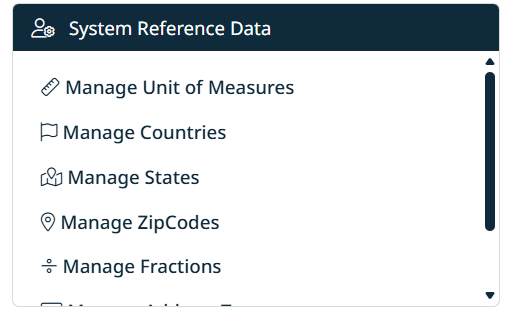
Available Sections
Use the buttons below to access and manage each type of general data:
- Units of Measure
Configure and manage the units used to define how items are measured, ordered, and displayed within the system. - Manage Countries
Define and maintain the list of countries available for customer, branch, and address records. - Manage States
Maintain state or province records and associate them with the appropriate countries. - Manage Zip Codes
Manage postal and ZIP code data used for address validation and selection. - Manage Fractions
Define fractional values used in item dimensions, specifications, and measurements. - Manage Address Types
Configure address type options (for example, Billing, Shipping, Office) used throughout the system. - Manage Contact Types
Maintain contact type classifications used for customer and branch contacts. - Email Configurations
Configure email-related settings used by the system for notifications and outbound messaging.
Navigation
You can access General Management at any time from the main menu:
General → Select a management option
Each section provides grid-based tools for searching, filtering, creating, editing, and deleting records, following the same interaction patterns used throughout the application.

Created with the Personal Edition of HelpNDoc: Maximize Your Productivity with HelpNDoc's CHM Help File Creation Features