Branch Management

Branch Management
The Branch Management section allows you to create and maintain your organization’s branches and branch sites. Branches are used throughout the application to support pricing, customer associations, catalogs, EDI processing, and operational workflows.
From this section, you can define branch-level information and manage the addresses and contacts associated with each branch.
Accessing Branch Management
To access Branch Management:
- From the top navigation bar, select Branch.
- Choose one of the following options:
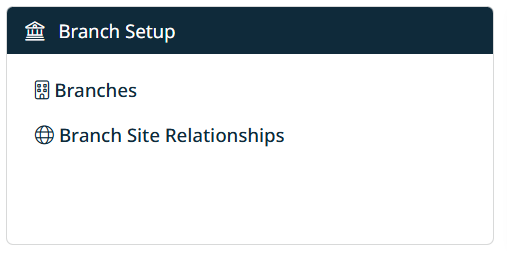
- Branches – Manage branch records
- Branch Sites – Manage locations associated with branches
The Branch Management screen will display, showing a list of existing branches or branch sites, depending on your selection.

Available Sections
Manage Branches
Use this section to create and maintain branch records, including:
- Branch name and identifiers
- Branch notes and metadata
- Associated addresses and contacts
Each branch can have multiple addresses and contacts linked to it.
Manage Branch Sites
Use this section to manage branch site records, which represent physical or operational locations tied to a branch. Branch sites are commonly used for:
- Customer and catalog associations
- Shipping and fulfillment logic
- Pricing and EDI mappings
Created with the Personal Edition of HelpNDoc: Easily share your documentation with the world through a beautiful website