Dashboard Overview

eCatalog Administration Dashboard
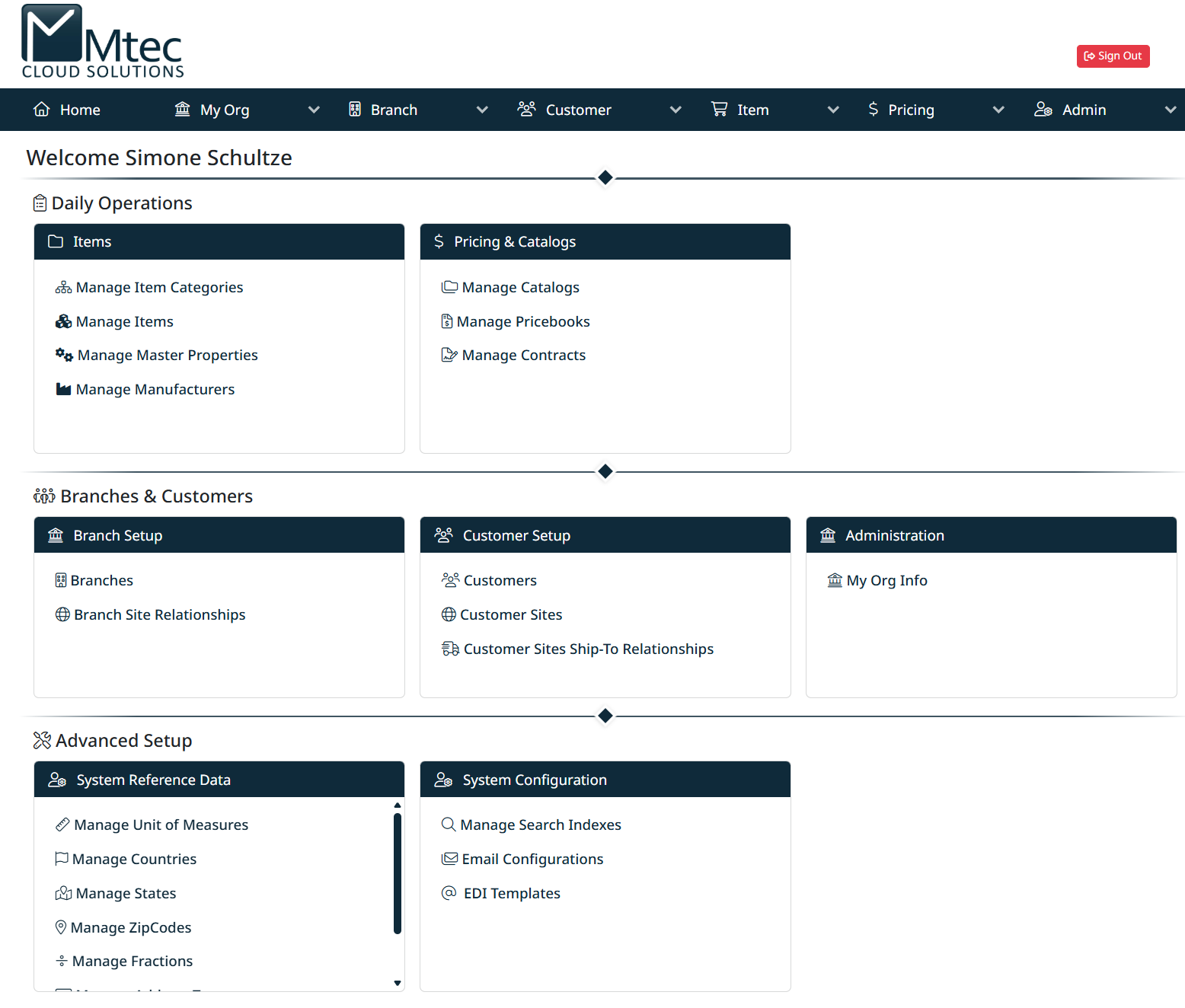
The Administration Dashboard is the central landing page for managing your eCatalog environment. From here, users can quickly access key areas such as item management, pricing, customer setup, and system configuration.
The dashboard is divided into two main navigation methods:
- The top navigation bar for structured access to all modules
- The dashboard tiles for quick access to commonly used functions
Top Navigation Bar
The navigation bar at the top of the screen provides access to all major areas of the Administration Portal.
Home
Returns you to the main dashboard at any time.
My Org
Contains organization-level settings and information, including company details and configurations that apply across your entire environment.
Branch
Used to manage branch-level setup, including:
- Creating and maintaining branches
- Defining relationships between branches and customer sites
Customer
Provides access to all customer-related setup, including:
- Customer accounts
- Customer sites
- Ship-to relationships
Item
Used to manage your product catalog, including:
- Item categories
- Individual items
- Manufacturers
- Master properties
Pricing
Controls all pricing and catalog structures, including:
- Catalogs
- Pricebooks
- Contracts
Admin
Contains system-level configuration and advanced setup options, such as:
- Reference data
- System configuration
- Integration settings (e.g., EDI, email)

Navigation bar with drop down
Dashboard Tiles
The dashboard tiles provide quick access to commonly used areas of the system. These are grouped by functional area.
Daily Operations
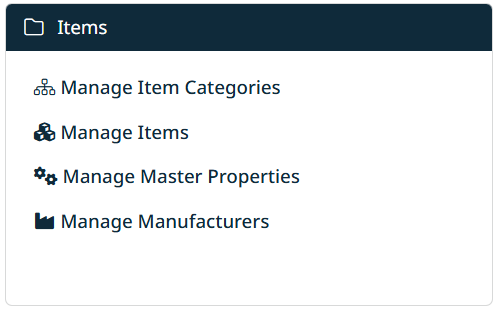
Items
Access tools for managing your product data:
- Manage Item Categories – Organize products into structured categories
- Manage Items – Create, edit, and maintain product records
- Manage Master Properties – Define shared attributes for items
- Manage Manufacturers – Maintain manufacturer information
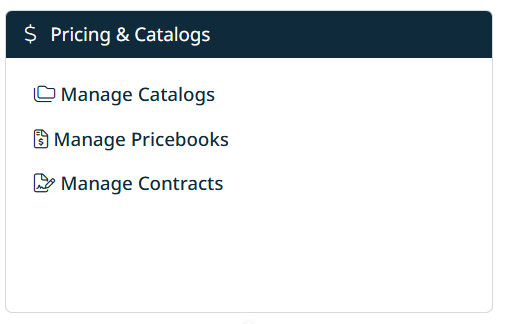
Pricing & Catalogs
Manage how products are priced and presented:
- Manage Catalogs – Create and maintain customer-facing catalogs
- Manage Pricebooks – Define pricing structures
- Manage Contracts – Configure contract-specific pricing and rules
Branches & Customers
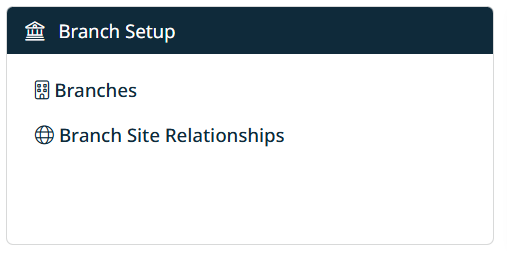
Branch Setup
Configure your organizational structure:
- Branches – Create and manage branch records
- Branch Site Relationships – Link branches to customer sites
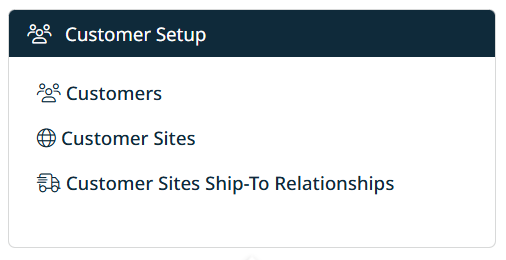
Customer Setup
Manage customer data and relationships:
- Customers – Create and maintain customer accounts
- Customer Sites – Define locations for each customer
- Customer Sites Ship-To Relationships – Configure delivery relationships
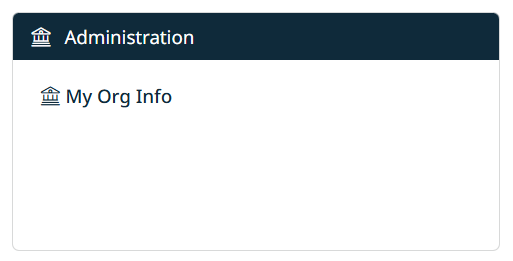
Administration
- My Org Info – View and manage your organization’s core details
Advanced Setup
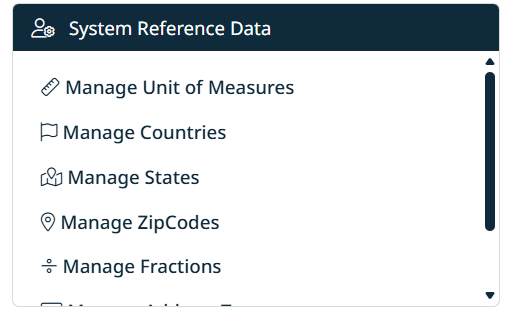
System Reference Data
Maintain system-wide reference values used across the platform:
- Units of measure
- Countries, states, and zip codes
- Other standard reference data
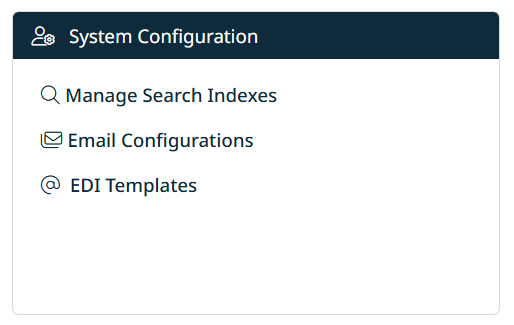
System Configuration
Manage advanced system settings and integrations:
- Manage Search Indexes – Control search functionality
- Email Configurations – Configure system email settings
- EDI Templates – Define templates for EDI transactions
How to Use the Dashboard
- Use the navigation bar when you know the area you want to access
- Use the tiles for quick access to frequently used functions
- The dashboard is designed to guide you from high-level setup (organization and branches) down to detailed configuration (items, pricing, and integrations)
Created with the Personal Edition of HelpNDoc: Transform Your Documentation Workflow with HelpNDoc's Intuitive UI